Your Settings area is where you can personalize your digital banking experience and manage the details that matter most to your account. You can access it by selecting Profile → Settings or Tools → Settings.
Profile
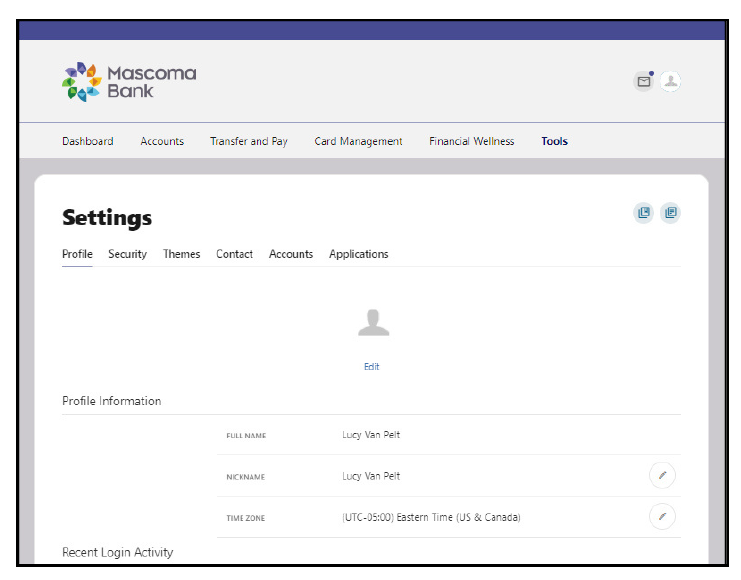
Update your personal details—like your nickname, time zone, and profile photo—and review your recent login activity.
Security
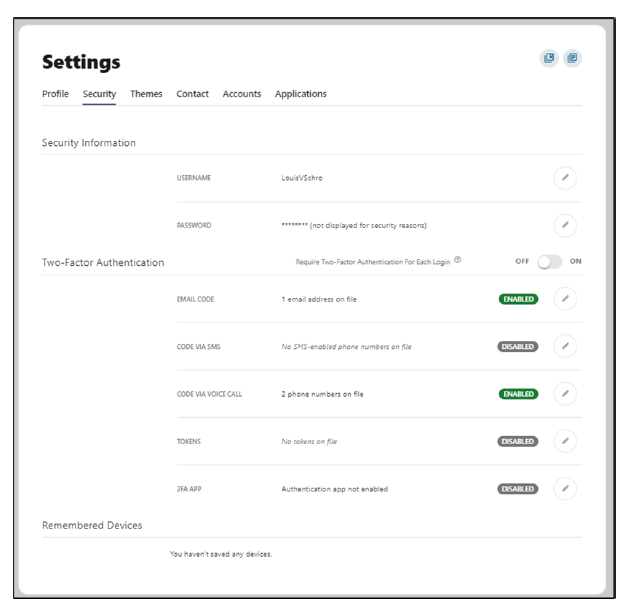
Manage your security preferences, including your username, password, two‑factor authentication, and trusted devices.
Themes
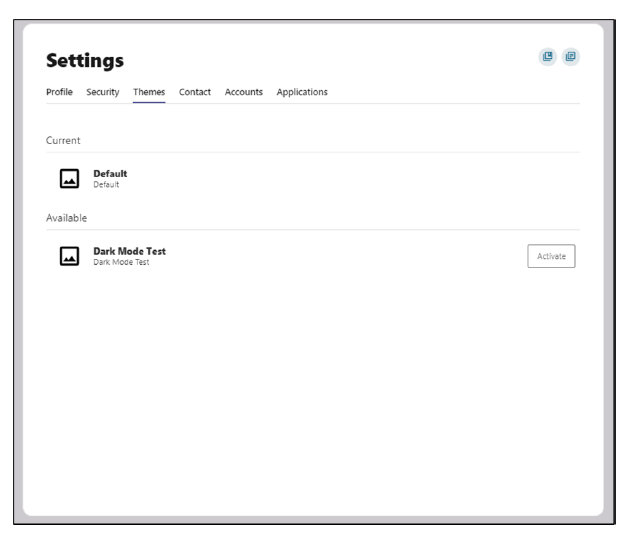
Customize the look and feel of your digital banking experience.
Widgets
Choose which widgets appear on your home dashboard and arrange them in the order that works best for you.
Contact
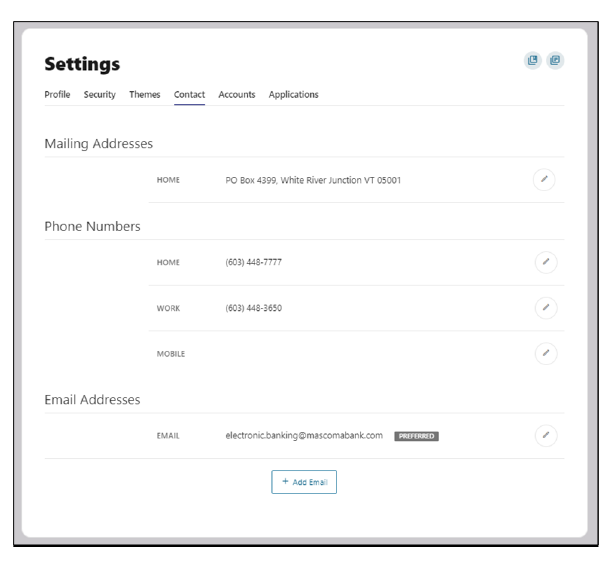
Update your address, phone numbers, and email so your information stays current.
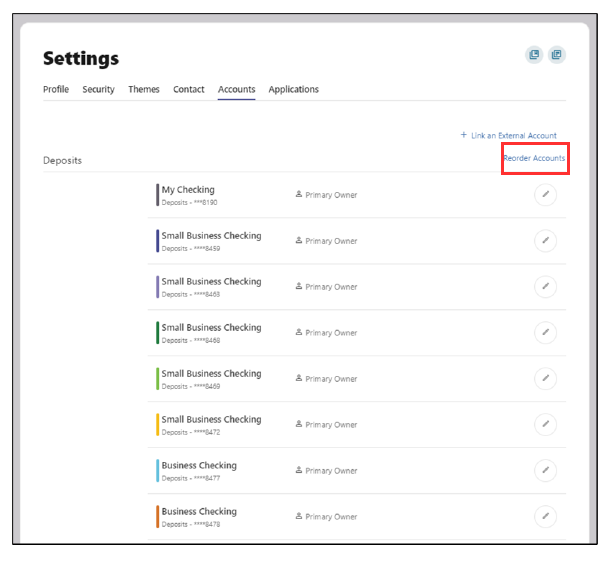
Accounts
Application
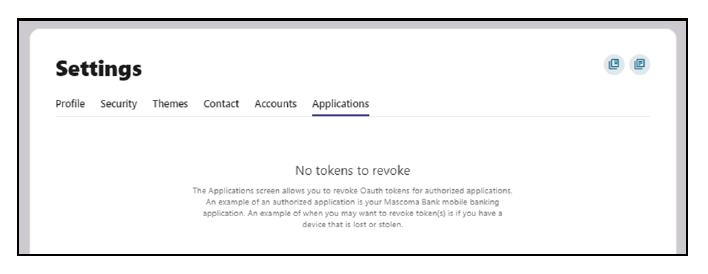
View devices or apps that have been granted access and revoke permissions if needed.
Please reach out if you have questions or need additional assistance.