Access tools that help you understand and improve your financial health. Track your credit score, set savings goals, view spending insights, and get a clearer picture of your overall financial habits.
Credit Score Tools
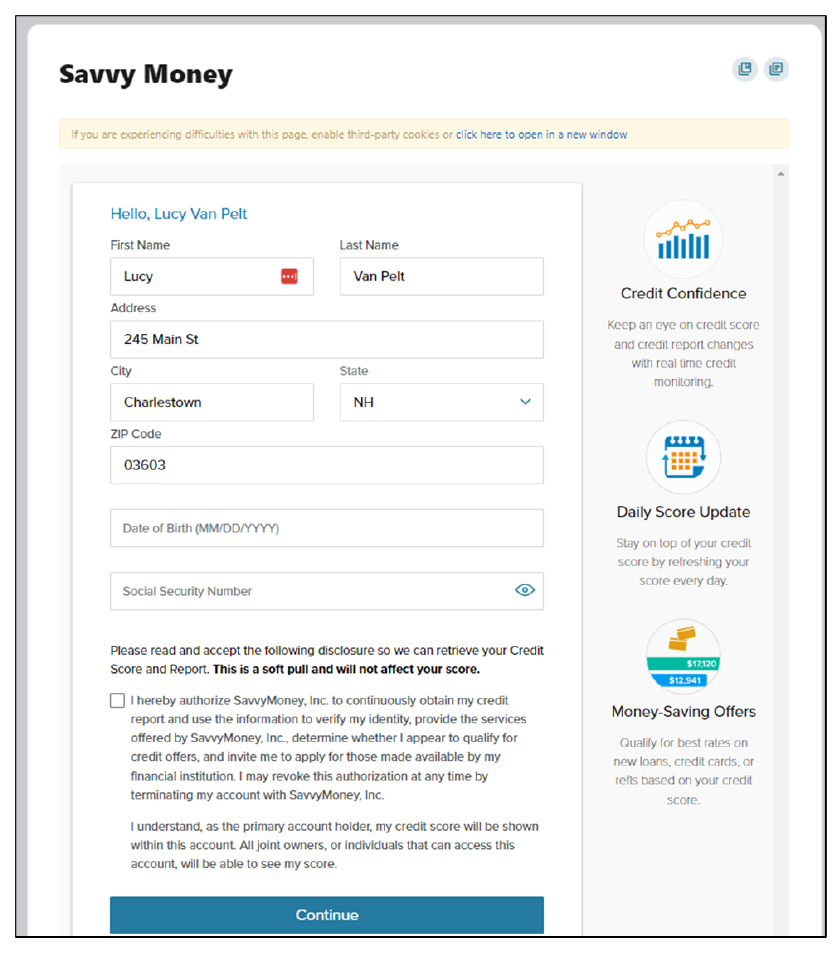
To navigate to Credit Score Tools, click on Financial Wellness then Credit Score Tools. Here you can view your credit score with daily score updates and credit monitoring.
- Enter all the necessary details, click the authorization box and click the “Continue” button
Spending
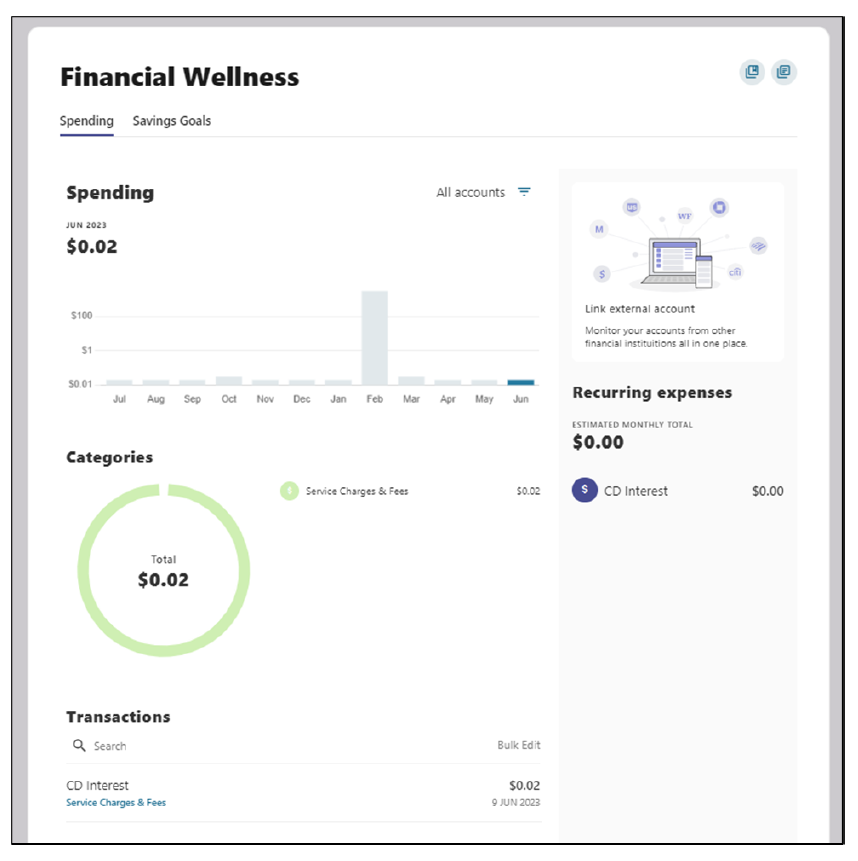
The Spending dashboard gives you an overview of your spending over a period of time, spending based on categories, transactions, and recurring expenses.
Within the Spending screen, if you’d like to edit the category for an item, simply click on the transaction. A slideout will appear in which you can edit the category. There is a checkbox to select if you’d like all future transactions from this merchant to be applied to the new category. Make your edits and click save.
Savings Goal
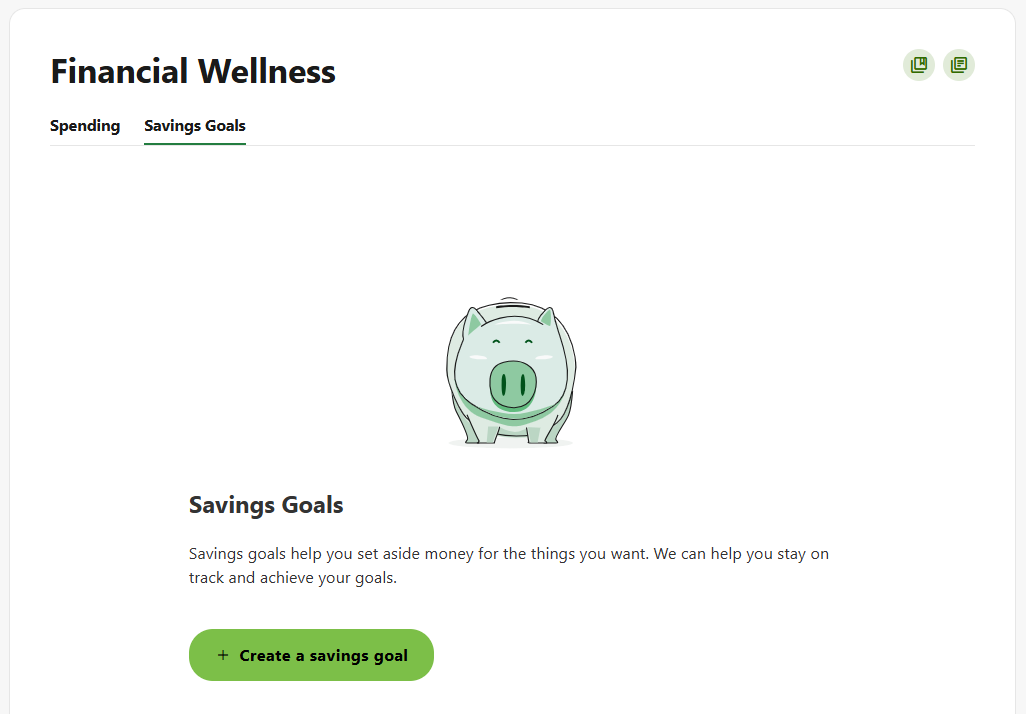
The Savings Goals tab helps you create, manage, and track progress on your savings goals, while allowing you to create and manage income and expense thresholds.
Create a Goal
- Select the savings account you would like to use for a goal. Click the “Next” button
- Select the category. Click the “Next” button
- Add the necessary details to complete the goal settings, including Title, Goal Amount, and Target Date (optional). Click the “Create goal” button
Please reach out if you have questions or need additional assistance.