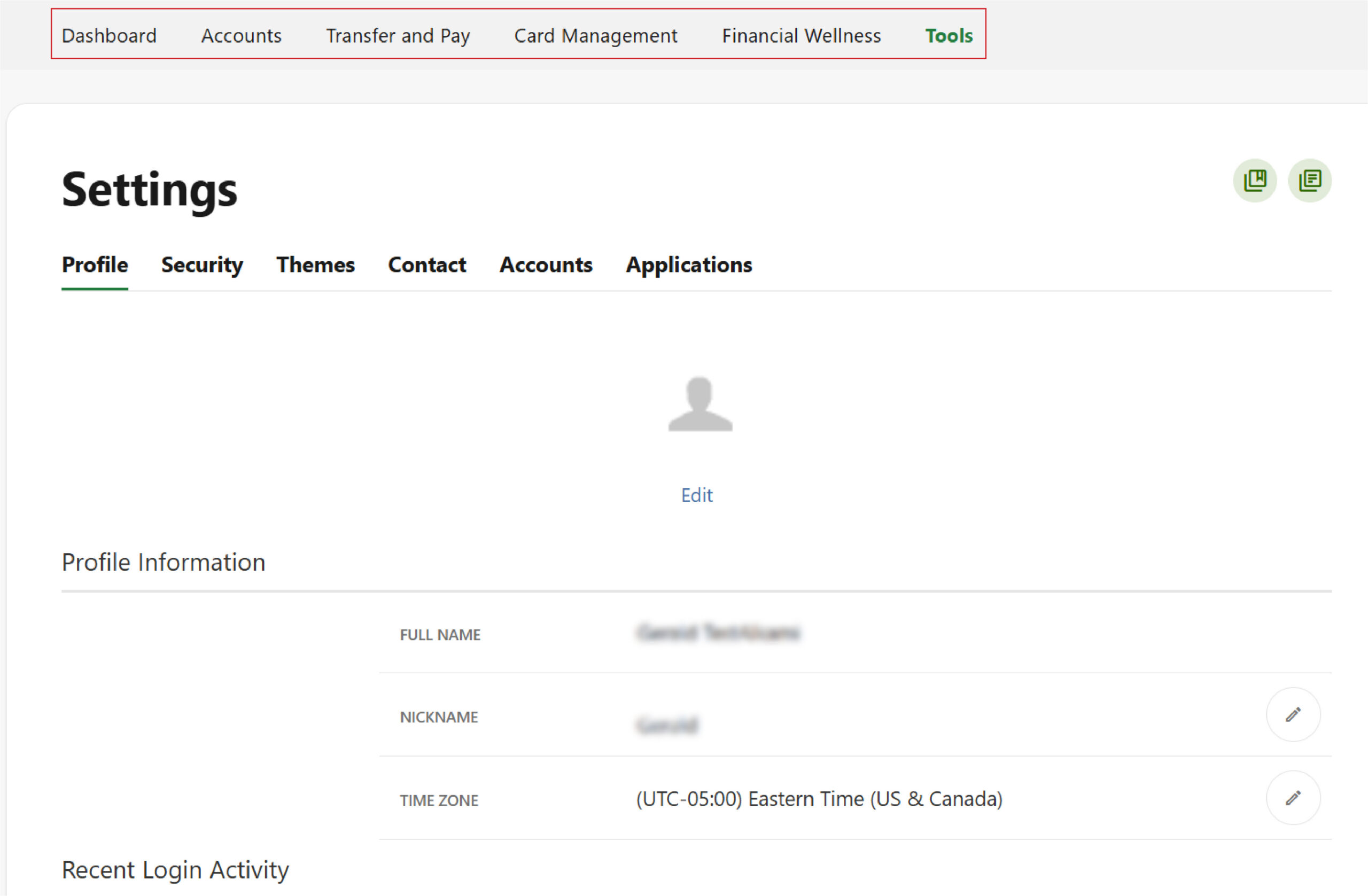
Your dashboard includes five main navigation categories at the top of the screen, making it easy to move between the tools and features you’ll use most.
Here’s what you’ll find in each section:
Accounts
View all your Mascoma Bank accounts in one place, including checking, savings, loans, and any linked external accounts. You can review balances, explore transaction details, access your Statements, and use ClickSwitch to easily move your direct deposits and recurring payments from another bank to Mascoma. You can also manage how your accounts are displayed. Learn More
Transfer & Pay
Move money quickly and securely. This section includes internal transfers, external transfers, bill payments, person‑to‑person payments, and scheduled or recurring transactions. Learn More
Card Management
Manage your debit card with ease. You can turn your card on or off, set spending limits, enable or disable transaction types, and receive real‑time alerts to help keep your card secure. Learn More
Financial Wellness
Access tools that help you understand and improve your financial health. Track your credit score, set savings goals, view spending insights, and get a clearer picture of your overall financial habits. Learn More
Tools
Find additional features that support your digital banking experience, including Settings, secure messaging, alerts, check services, and other helpful resources. Learn More
Please reach out if you have questions or need additional assistance.